
Cardboard Design Lab1.0 - Google Play
You'll be able to see results in few seconds.
Publisher Description


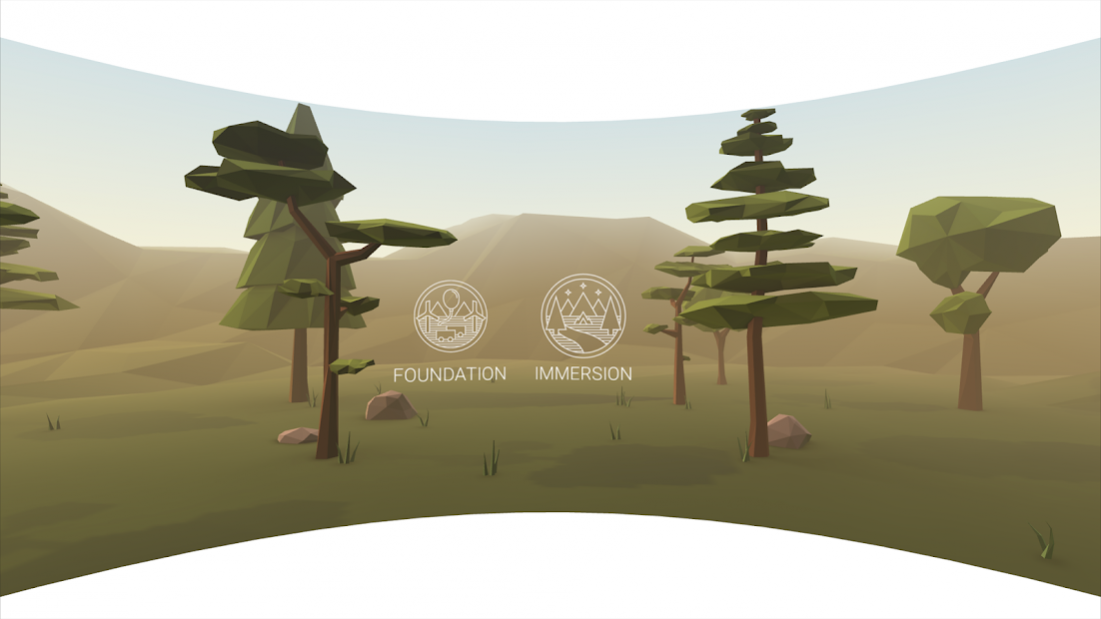
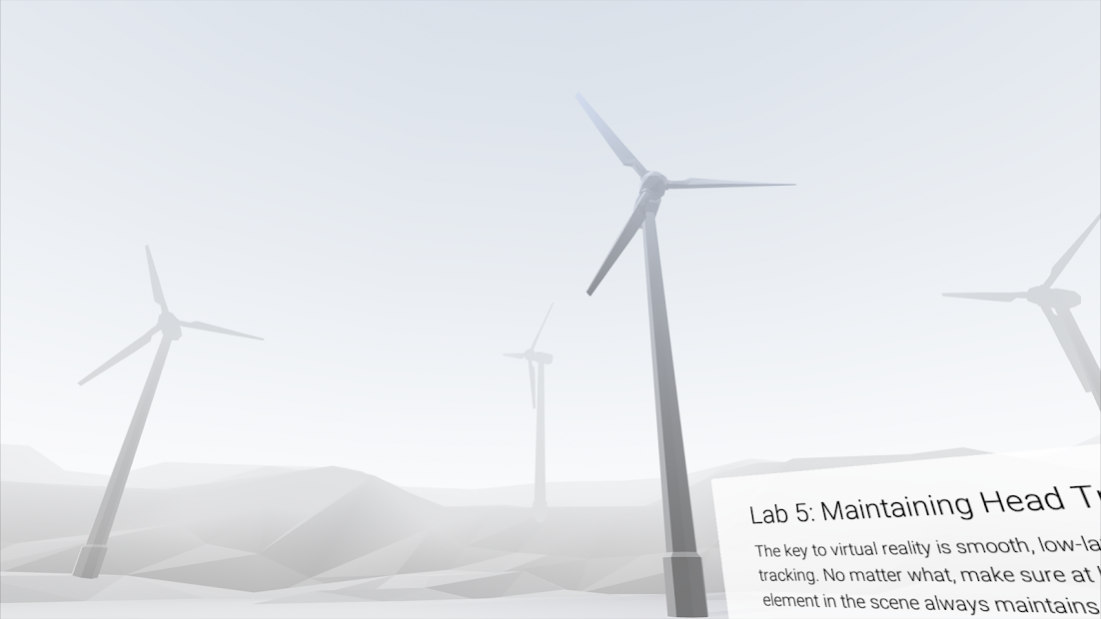
Enjoy an educational and immersive journey through principles for developing virtual reality experiences. Designing great user experiences in virtual reality is considerably different than designing for traditional 2D form factors. Virtual reality introduces a new set of physiological and ergonomic considerations to inform your design work.
VR Design Principles Covered
1. Using a Reticle
2. UI Depth & Eye Strain
3. Using Constant Velocity
4. Keeping the User Grounded
5. Maintaining Head Tracking
6. Guiding with Light
7. Leveraging Scale
8. Spatial Audio
9. Gaze Cues
10. Make it Beautiful
To fully enjoy this app you'll need a viewer that works with Google Cardboard. Learn more and get your own Cardboard viewer at http://g.co/cardboard. Share your experience through our Google+ community at http://g.co/cardboarddevs.
By using this app you agree to be bound by our Google Terms of Service ("Google ToS", http://www.google.com/accounts/TOS), Google's general Privacy Policy (http://www.google.com/intl/en/policies/privacy/), and the additional terms below. This app is a "Service" as defined in the Google ToS and the terms regarding software in our Services apply to your use of this app.
PRODUCT SAFETY INFORMATION
- Take frequent breaks while using Cardboard. If you experience nausea, discomfort, eye strain, or disorientation, immediately discontinue using Cardboard.
- Cardboard is not for use by children without adult supervision.
- Do not use Cardboard while driving, walking, or otherwise by being distracted from real world situations that prevent you from obeying traffic or safety laws. Do not drive or operate heavy machinery immediately after using Cardboard if you feel impaired or disoriented.
- If you have had or could be prone to seizures, consult a doctor before using Cardboard.
About Cardboard Design Lab
The company that develops Cardboard Design Lab is Google LLC. The latest version released by its developer is 1.0.
To install Cardboard Design Lab on your Android device, just click the green Continue To App button above to start the installation process. The app is listed on our website since 2015-05-29 and was downloaded 0 times. We have already checked if the download link is safe, however for your own protection we recommend that you scan the downloaded app with your antivirus. Your antivirus may detect the Cardboard Design Lab as malware as malware if the download link to com.google.vr.cardboard.apps.designlab is broken.
How to install Cardboard Design Lab on your Android device:
- Click on the Continue To App button on our website. This will redirect you to Google Play.
- Once the Cardboard Design Lab is shown in the Google Play listing of your Android device, you can start its download and installation. Tap on the Install button located below the search bar and to the right of the app icon.
- A pop-up window with the permissions required by Cardboard Design Lab will be shown. Click on Accept to continue the process.
- Cardboard Design Lab will be downloaded onto your device, displaying a progress. Once the download completes, the installation will start and you'll get a notification after the installation is finished.
Program Details
System requirements
Download information
Pricing
Version History
version 1.0
posted on 2015-05-29
Disclaimer
Official Google Play Link
We do not host Cardboard Design Lab on our servers. We did not scan it for viruses, adware, spyware or other type of malware. This app is hosted by Google and passed their terms and conditions to be listed there. We recommend caution when installing it.
The Google Play link for Cardboard Design Lab is provided to you by apps112.com without any warranties, representations or guarantees of any kind, so access it at your own risk.
If you have questions regarding this particular app contact the publisher directly. For questions about the functionalities of apps112.com contact us.
